SpendChat: Track your money like a conversation
Open-source expense and income tracker with a chat-style interface — type or paste a transaction. Free plan with unlimited transactions, no bank login, in any browser.
- Live
- Web
- Open source · AGPL-3.0
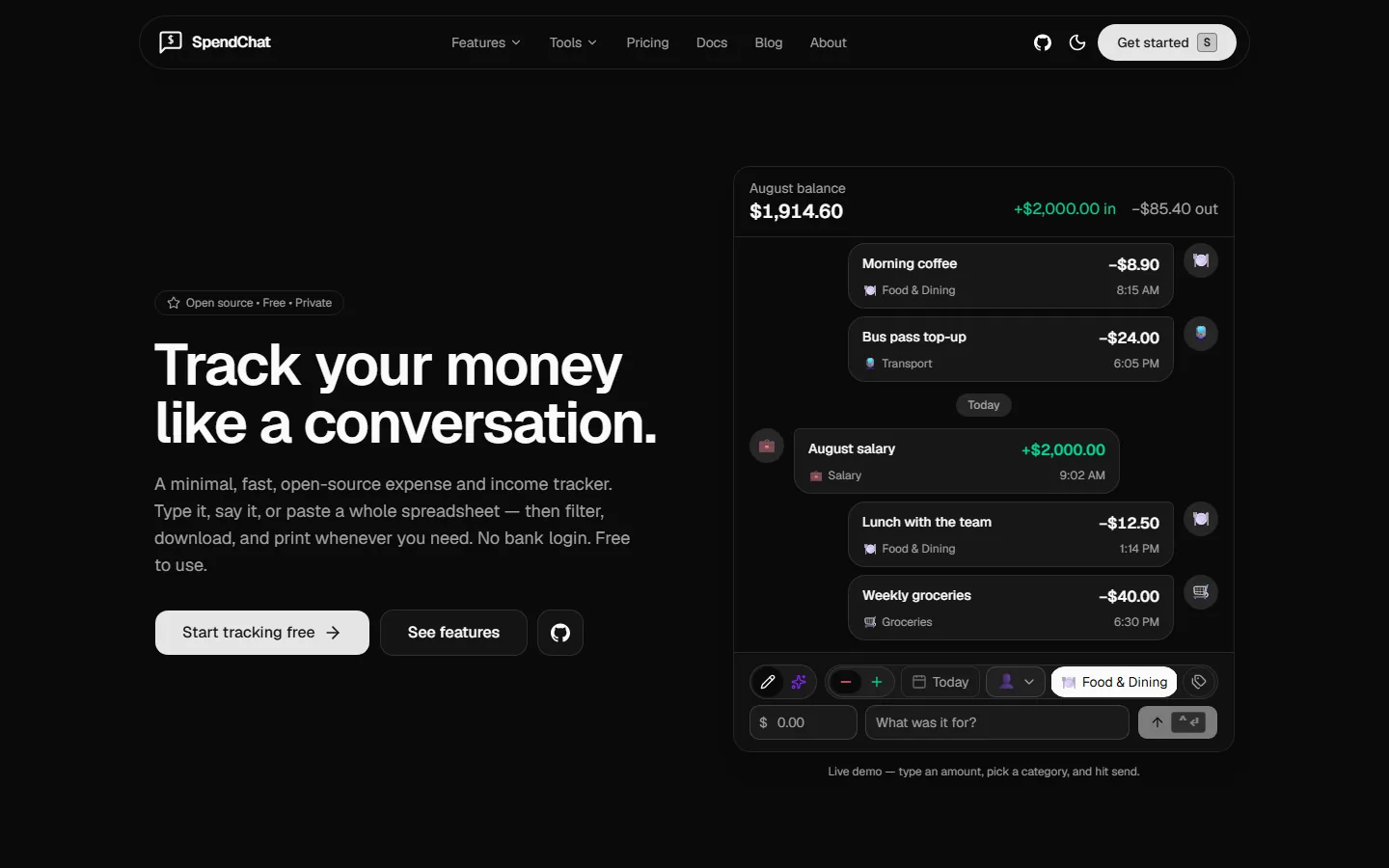
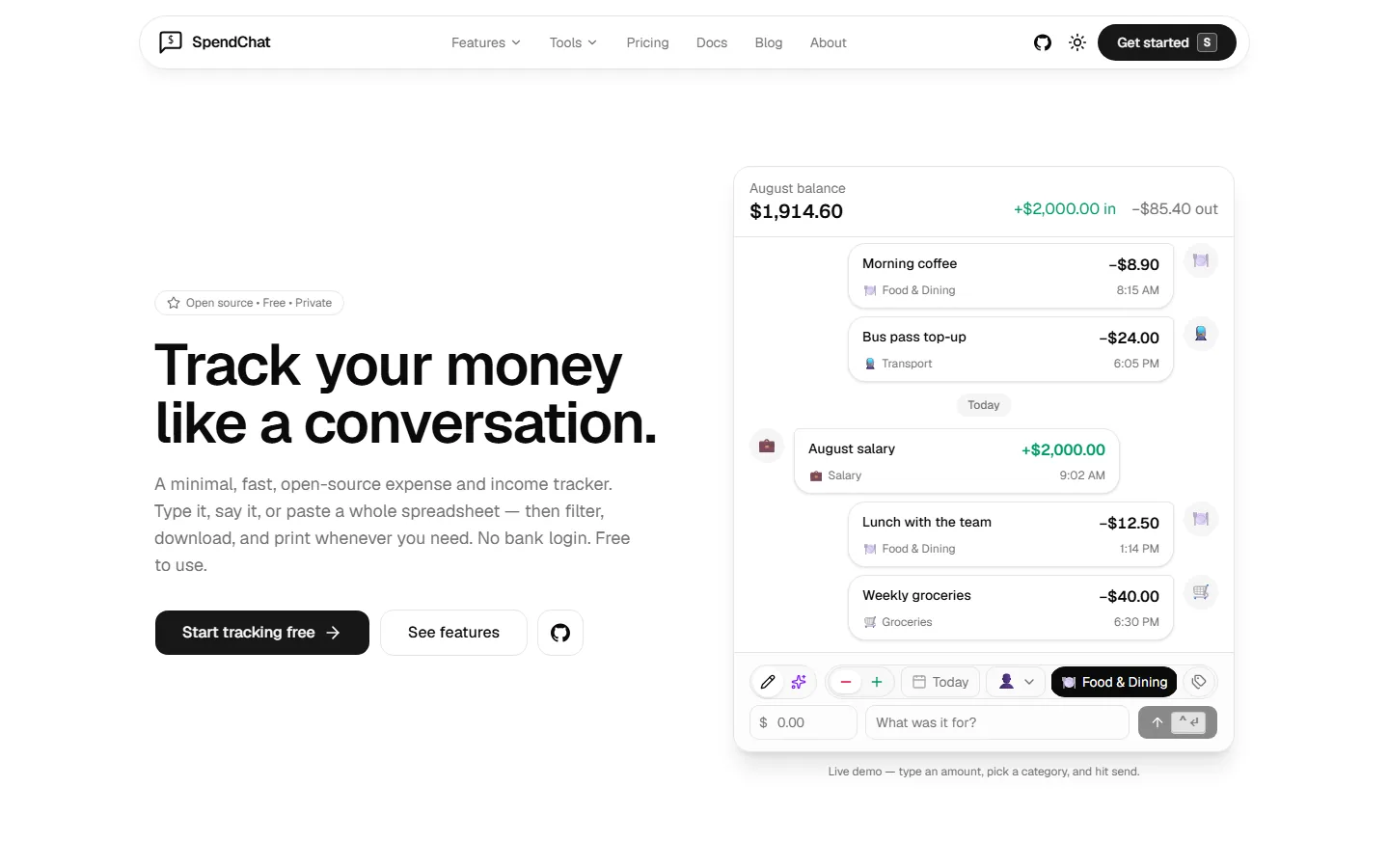
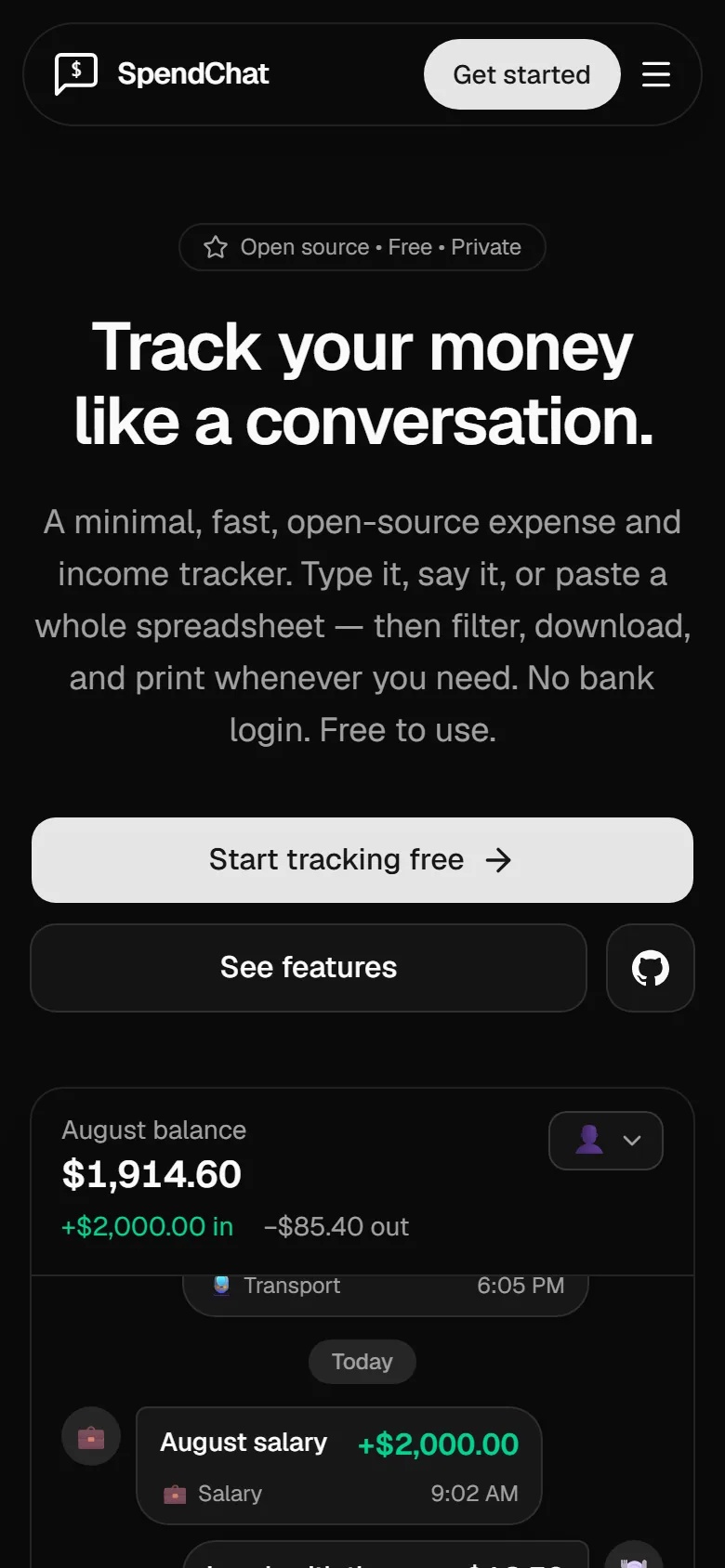
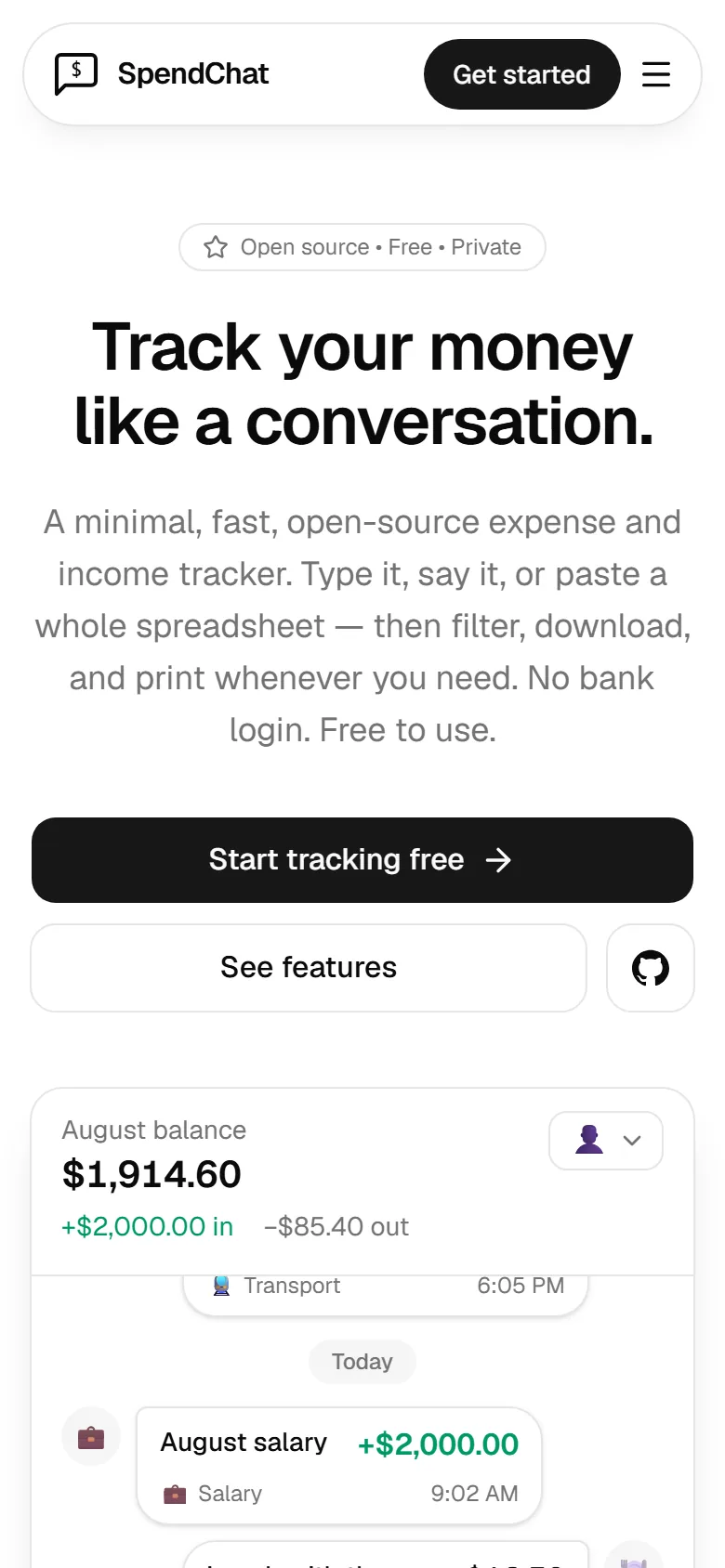
- Open source license
- AGPL-3.0
- Plan, no time limit
- Free
- Transactions
- Unlimited
- Bank logins needed
- 0
Overview
What is SpendChat?
SpendChat is an open-source expense and income tracker from Playxoft that works like a chat. Individuals, couples and freelancers type or paste a transaction (or say it, on Pro), and it lands in a feed with a live balance. It needs no bank connection, has a free plan, runs in any browser and is licensed under AGPL-3.0.
- Add a transaction by typing, pasting rows, writing a sentence or, on Pro, speaking.
- No bank login: you enter every transaction yourself, cash included.
- Free plan with unlimited transactions, open source under AGPL-3.0.
The problem it solves
Most people stop tracking money because logging a coffee takes longer than buying it. Bank-linked apps want your banking login and still miss cash.
Why SpendChat
What makes SpendChat different?
Entry that feels like messaging
Type an amount, pick a category and hit send. The transaction joins the feed and your balance updates at once.
Four ways in
Use chat entry, paste rows from a spreadsheet or write a sentence for the AI to split. Pro adds voice entry.
AI drafts, you decide
The AI and voice modes only produce drafts. Nothing reaches your ledger until you review and confirm it.
Profiles and shared workspaces
Personal, Home and Business each get their own feed, balance and reports. Invite a partner or accountant with a role.
Open source, no bank link
The whole app is public under AGPL-3.0. It never asks for banking credentials, shows no ads and never sells data.
Features
What can SpendChat do?
Chat-Style Logging
Log expenses and income like sending a message — amount, category, send.
Bulk Import
Import historical transactions from spreadsheets with a full preview before commit.
Filters & Search
Slice by date range, type and category; search inside transaction notes.
Export Anywhere
CSV export and print-to-PDF for reports and tax season.
Private by Design
Account-based data security — your transactions stay yours.
Every Screen Size
Responsive across mobile, tablet and desktop with light and dark themes.
Screens
SpendChat in action
Real screens from spendchat.app. Pick a screen, or select it to see it full size.
01 / 04: AI drafts you review first
How it works
How does SpendChat work?
- 1
Create a free account
Sign up with Google or with email and a password. No credit card is needed.
- 2
Pick your currency
Choose one currency in Settings. Amounts are stored as integer minor units, so totals never drift from rounding.
- 3
Add transactions your way
Type it, paste a spreadsheet or write a sentence. Press R to add, and type / in the title to pick a category.
- 4
Filter, export and print
Filter by date, type, category or tag, or search your notes. Download that view as a CSV or print it to PDF.
Who it's for
Who is SpendChat for?
Built for
Everyday trackers
Log daily spending in seconds, including the cash a bank app never sees.
Couples and families
Share one workspace and give each person a viewer, editor or admin role.
Freelancers
Keep business and personal books in separate profiles, then export a CSV.
Self-hosters
Run the AGPL-3.0 source on your own server with your own AI keys.
- 01
Shared household costs
Flatmates or a couple log into one workspace, so everyone sees the same ledger. Split groups settle who owes whom.
- 02
Tax time
Keep business and personal spending in separate profiles all year. The accountant's CSV is one filter and a download.
- 03
Cash-heavy spending
Market stalls and bus fares never touch a card. Manual entry records them like any other transaction.
Free
$0no time limit
For getting started, on your own or with a partner.
- Up to 3 people
- Unlimited transactions
- 50 AI actions a month
- 1 GB for receipts and files
- CSV and PDF export
Plus
$5.99per workspace / month
For families and couples who share the spending. Or $39 a year.
- Up to 5 people
- 300 AI actions a month
- 5 GB of storage
- Per-profile access and analytics insights
- 21-day free trial
Pro
$8.99per workspace / month
For freelancers, small businesses and big families. Or $59 a year.
- Up to 10 people
- 1,000 AI actions a month
- Voice entry, up to 2 minutes a clip
- 20 GB of storage
- 21-day free trial
Good to know
What to decide before you start
Plans belong to a workspace
Everyone in a workspace shares its plan, AI actions and storage. Each extra workspace needs its own paid plan.
Manual by design
There is no bank sync, so card spending you forget to log will not appear. Pick it if you would rather keep the bank out.
Hosted or self-hosted
Self-hosting is free, with your own AI keys. You then run the Neon database, Firebase sign-in, backups and updates.
Under the hood
Designed, built and run by Playxoft
The same team builds web apps for clients. Need something like SpendChat? We can scope it with you.
- Category
- Personal Finance
- Stack
- Next.js / TypeScript
- License
- AGPL-3.0 (open source)
- Platform
- Web (any browser)
- Pricing
- Free plan; Plus and Pro per workspace
- Status
- Live
SpendChat FAQ
Straight answers, checked against the live product on November 3, 2026.
Still have questions? Talk to our team
More from Playxoft
Other web apps we build
Need A Custom Solution?
Tailored To Your Exact Needs